Based on 200M+ peer-reviewed studies
Watch less.Understand more.
Paste a YouTube link, article, podcast or PDF. Get a summary you can read in a minute, plus a fact-check of its claims against peer-reviewed research.
Free plan · No credit card · 12 languages
An 18 minute 44 second video, read in about a minute. Claims from the published check are marked on the timeline at the moment they are said.
Vitamin D functions as a crucial hormone affecting nearly every tissue and organ system in the human body.
- Vitamin D influences brain function, sleep cycles, mood stability and cognitive health.
- It acts as a potent anti-inflammatory agent supporting immune health and skeletal development.
- 01:50
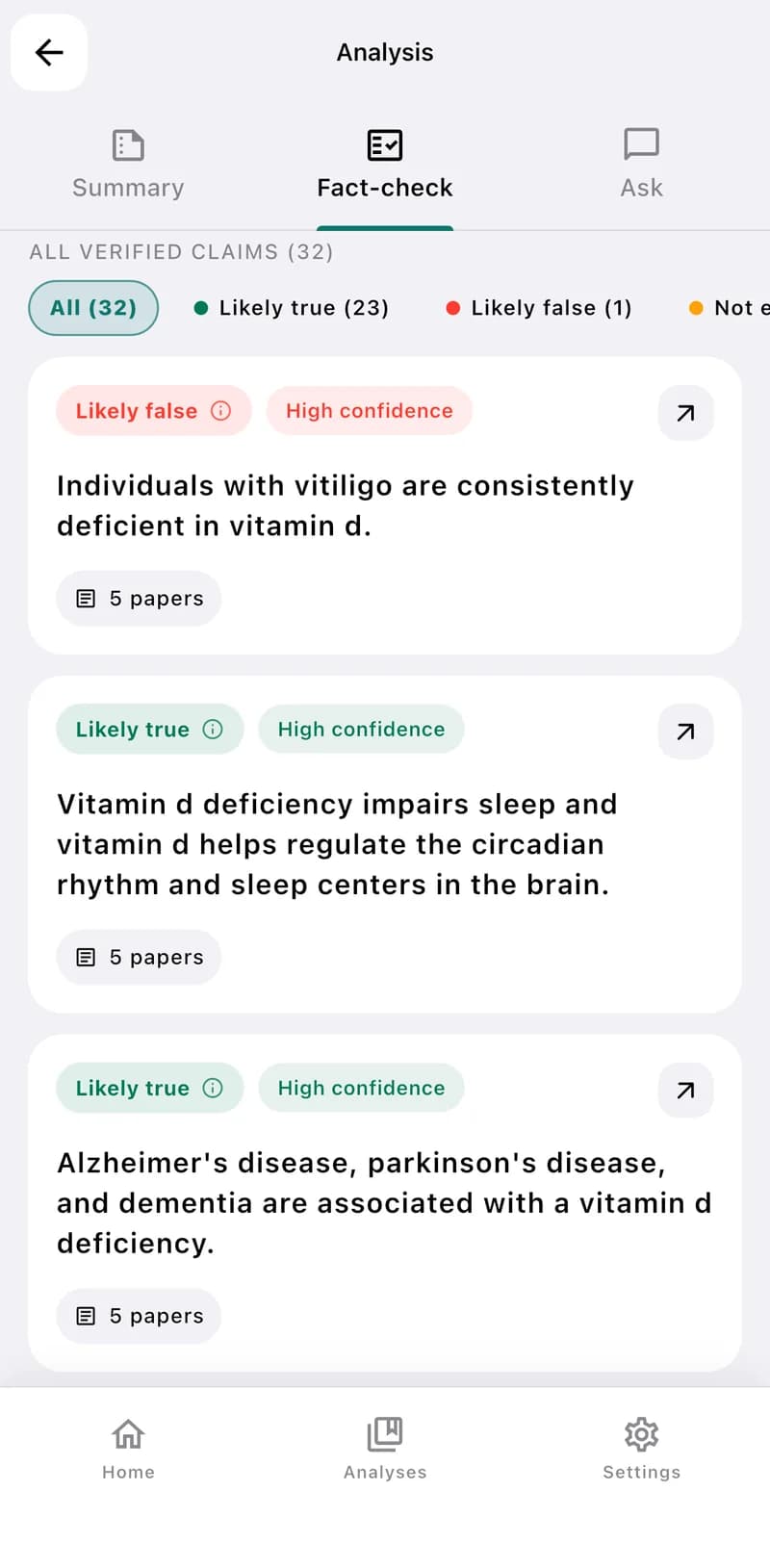
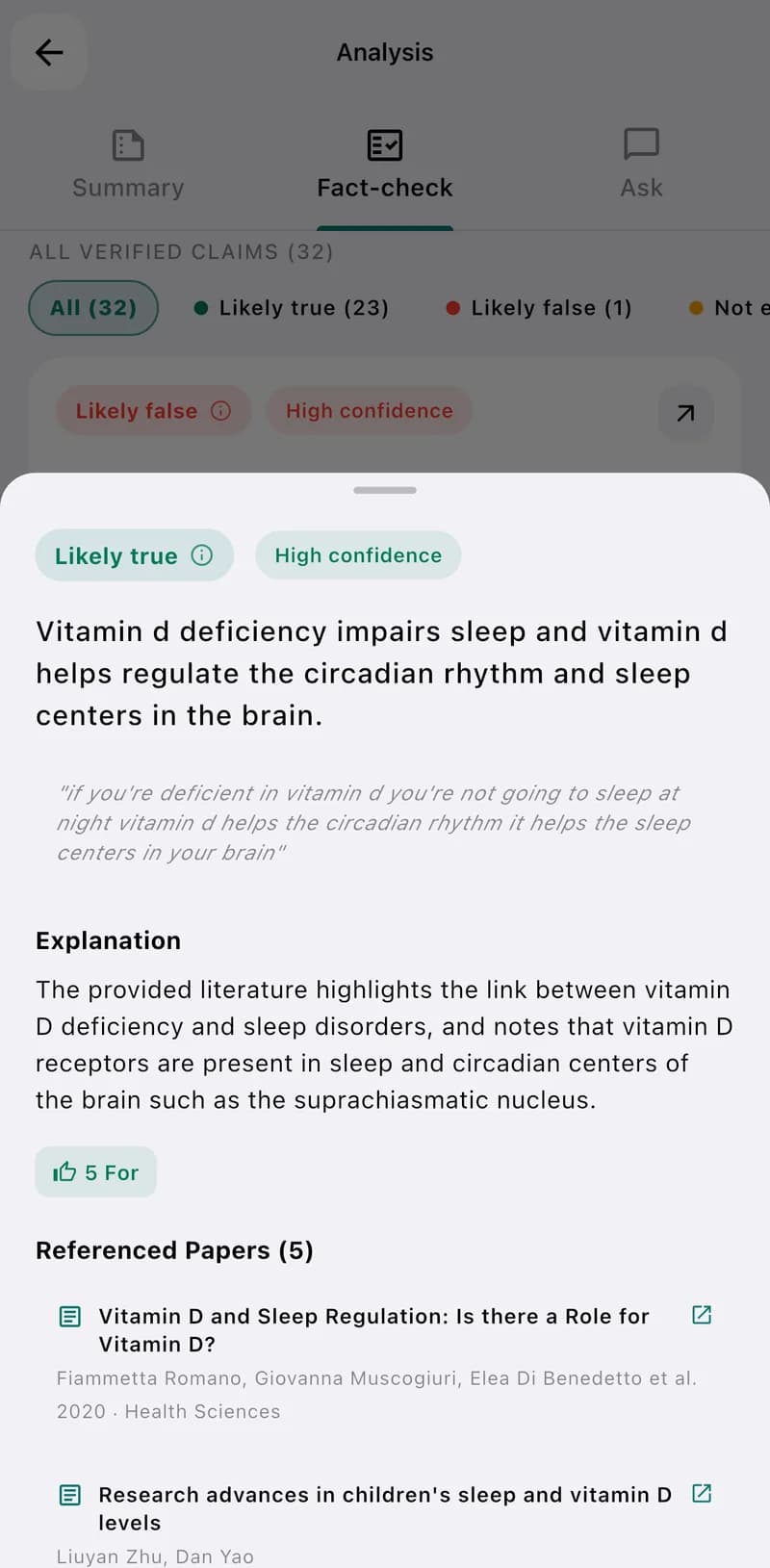
Vitamin D deficiency impairs sleep, and vitamin D helps regulate the circadian rhythm and sleep centers in the brain.
Supported by research5 papers - 02:22
Alzheimer's disease, Parkinson's disease and dementia are associated with vitamin D deficiency.
Supported by research5 papers People with vitiligo are consistently deficient in vitamin D.
Not confirmed5 papers
A real analysis, not a mock-up.See the published check

Everyone has something to say. Who do you trust?
We have never had access to so much information. Yet it has never been harder to tell facts from opinion. EvidenceLens gives you a calm, evidence-based second opinion — in seconds.
Know more. Get manipulated less.
Four simple things, for every claim you come across.
Know what the research says
See which claims real studies actually support.
Protect yourself from manipulation
Spot confident claims that aren't backed by evidence.
Understand the context
Learn the limits and caveats behind each claim.
Check the sources
Read the research that the conclusions rest on.
Paste a link. We do the rest.
It really doesn't get simpler than this.
- 1
Paste a link
A video, article, podcast or PDF — anything you want to check.
- 2
We analyze it
EvidenceLens reads the content and finds the claims that matter.
- 3
You get clear conclusions
Each claim gets a plain-language verdict, with the sources behind it.
See what is actually known.
Every claim gets a clear, color-coded verdict — and you can open the studies behind it.
In this video, 23 of 32 claims are backed by research. One is not confirmed, and for 8 there isn't enough research yet.
Supported by research
Backed by strong, consistent scientific evidence.
Treat with caution
Some support, but with important limits or mixed results.
Not confirmed
The evidence does not back this claim.
Not enough data
There isn't enough research to judge it yet.
Every verdict links to the publications it is based on.
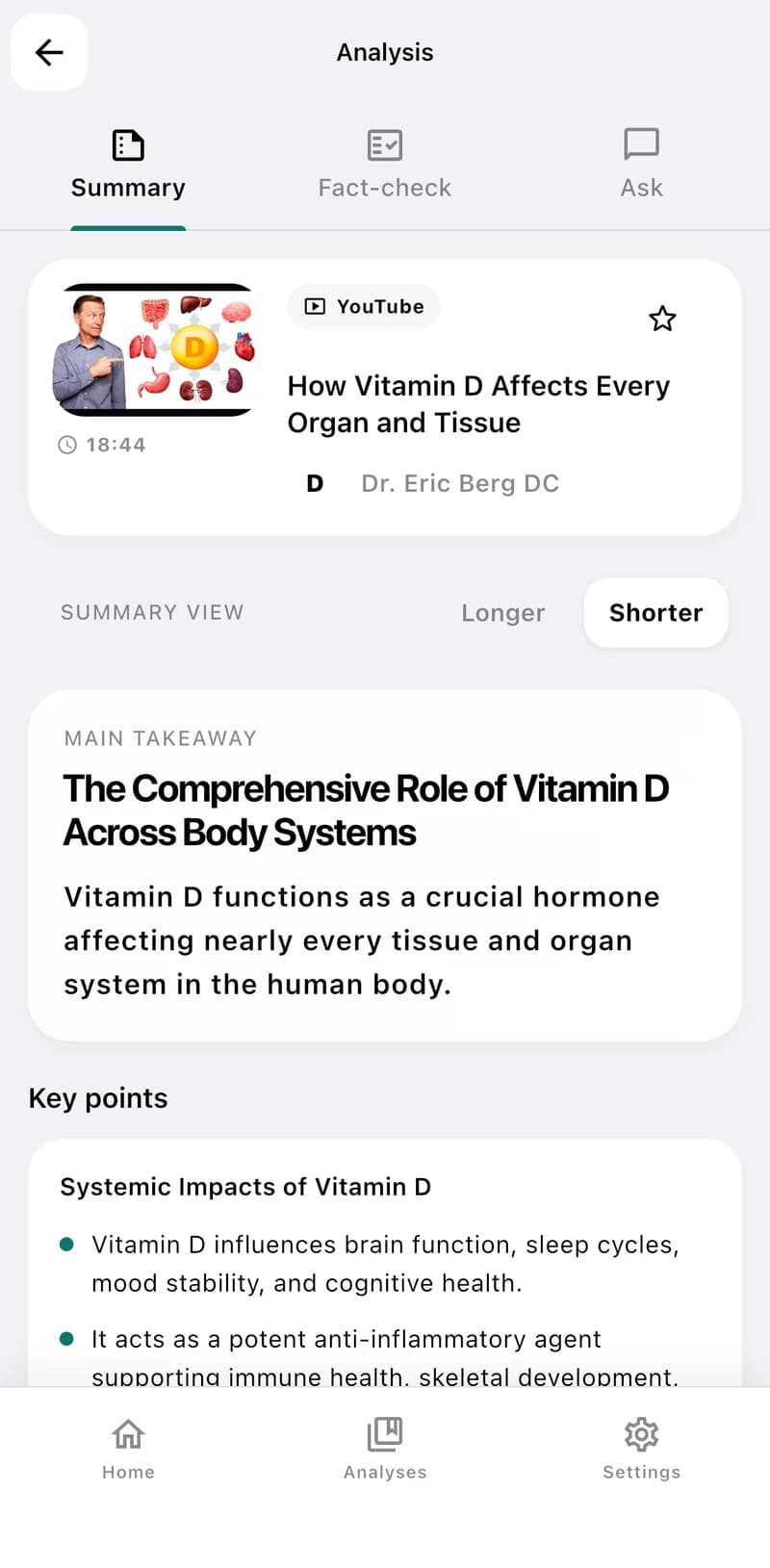
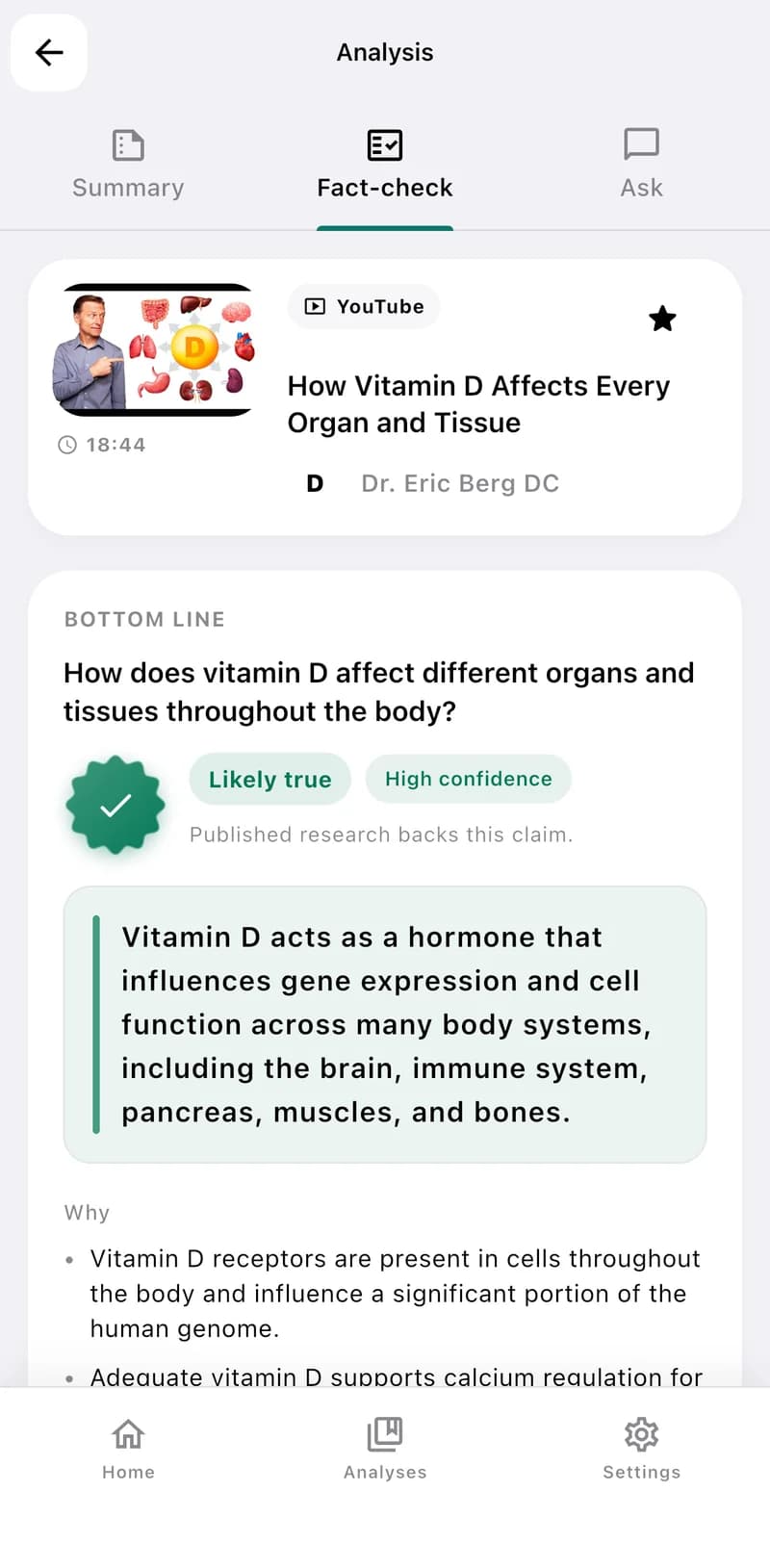
A long video, read in about a minute.
This is how it looks
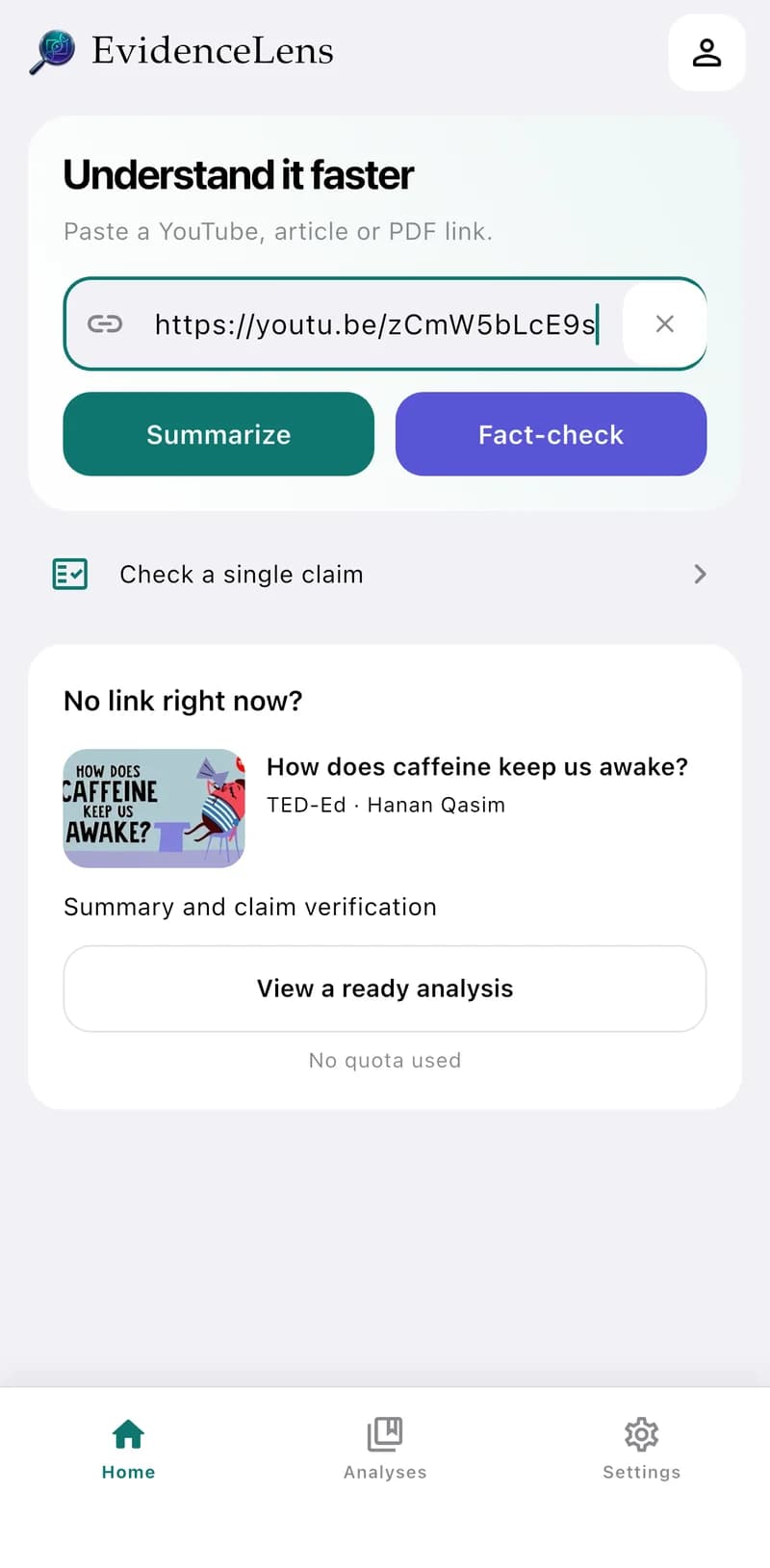
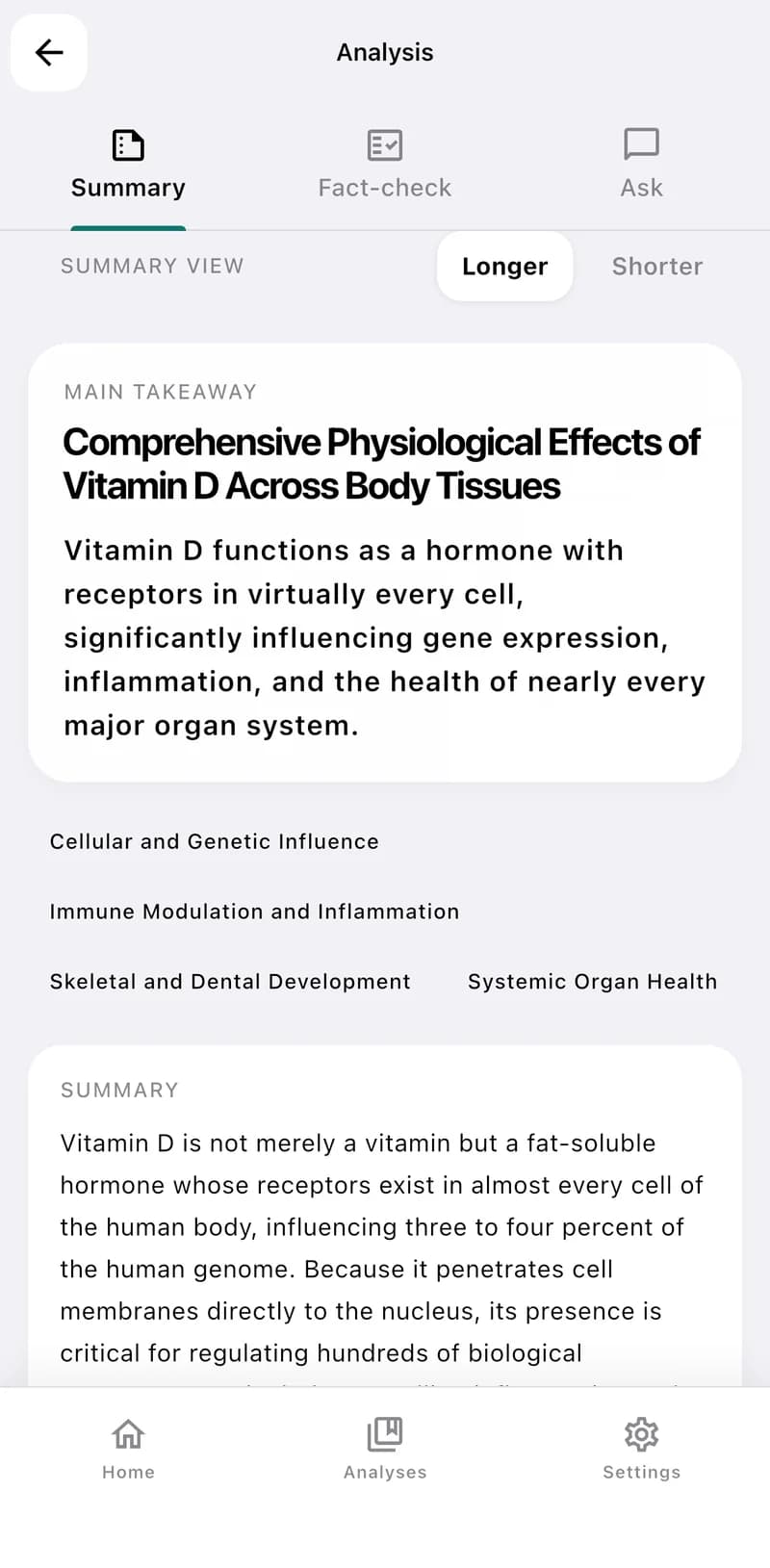
Real checks, published for everyone.
Claims from popular videos, checked against peer-reviewed research and published with their sources. Open one and read the studies yourself.
- Supported by research
Are electric cars really better for the climate?
Yes, electric vehicles generally result in lower total greenhouse gas emissions across their entire lifecycle compared to gasoline-powered vehicles.
5 papers - Not confirmed
Do learning styles really exist?
No, tailoring instruction to preferred learning styles does not improve student learning outcomes, as empirical evidence consistently refutes this widely held educational myth.
3 papers - Supported by research
Does magnesium help you sleep?
Yes, magnesium supplementation can improve sleep quality, particularly for individuals experiencing deficiencies or insomnia.
5 papers
We don't tell you what to think. We show you what's worth basing your decision on.
Built on real research, not just a confident guess.
Most AI tools answer from general training data. EvidenceLens is built around a library of over 200 million peer-reviewed publications, and matches the claims in your content to the studies that test them.
- 200M+ indexed peer-reviewed publications across scientific domains
- Smart matching between the claims you hear and the studies that test them.
- Direct citations, paper metadata, and evidence confidence
- Study context and caveats for claims that are not settled
For everyone who wants to think for themselves.
Whatever you watch or read, the job is the same: get the point, then check it.
Students
Summarize a two-hour lecture before the exam — and check the numbers it quotes.
Parents
Check the health advice in a viral video before you follow it.
Doctors
See the studies behind a claim a patient brings to the appointment.
Creators
Fact-check your script against the research before you publish.
Teachers
Turn a documentary into a discussion sheet with sources students can open.
And everyone who wants to make better decisions, every day.
Add to Chrome — freeStart free. Upgrade when you want more evidence.
Every plan includes summaries, claim checks, and chat. The Lifetime launch price is a one-time payment while the offer is available.
Free
For quick checks and first-time users
- 20 verifications / month
- 50 summaries / month
- 30 chat messages / month
- Evidence taxonomy & credibility score
- Unlimited verifications
Plus
For regular YouTube research sessions
- 300 verifications / month
- Unlimited summaries
- Unlimited chat messages
- Evidence taxonomy & credibility score
- Access to 200M+ papers
Plus Lifetime
Best value for long-term evidence checks
One-time payment only
- Everything in Plus
- One-time payment only (€49)
- Lifetime access while EvidenceLens is available
- Priority support
- Early access to new features
- Save €120 vs the €169 base price
- No recurring billing
All plans include access to 200M+ indexed papers · Prices in EUR · VAT may apply
Frequently asked questions
The practical details before you install.
EvidenceLens is an AI video summarizer with research-backed fact-checking. Give it a YouTube video, article, podcast or PDF: it writes a short summary with the key takeaways, finds the important claims, checks them against peer-reviewed studies, and shows a clear verdict for each one — with links to the sources. It works as a Chrome extension for YouTube and as a mobile app for everything else.
YouTube videos, online articles and news, podcasts, and PDF documents such as research papers or reports. Anything that makes factual or scientific claims is a good fit.
Yes. Type or paste a claim — for example a sentence you heard in a podcast — and EvidenceLens checks it directly against the research library, with the same verdicts and sources.
Yes. The extension and the app are available in 12 languages — English, Polish, German, Spanish, French, Italian, Dutch, Portuguese, Russian, Japanese, Korean and Chinese — and summaries and fact-checks are written in the language you choose.
General-purpose AI tools can be useful, but they are not built specifically around YouTube transcripts and research verification. EvidenceLens is designed for the watching workflow: summary first, claim extraction next, then verdicts grounded in an indexed research database with citations and caveats.
Our database contains over 200 million indexed peer-reviewed publications sourced from established academic repositories and indexed on our own infrastructure. This includes papers across health, psychology, environment, education, economics, technology, engineering, and social science.
Yes, no credit card required. You get 20 verifications, 50 summaries, and 30 chat messages per month. When you need more, Plus includes 300 verifications and unlimited summaries and chat.
EvidenceLens extracts claims and matches them against peer-reviewed literature with semantic search. Each claim receives a nuanced verdict such as supported, refuted, overstated, or inconclusive, plus confidence levels and citations so you can review the evidence yourself.
Yes. There are no contracts or commitments. You can cancel your Plus subscription from your dashboard, and you will keep access until the end of your billing period.
We do not store video transcripts, web page text, or PDF content. They are processed in real time and discarded. We do not access your YouTube account, browsing history, or personal data beyond what is needed for authentication. See the privacy policy for full details.

Don't let anyone manipulate you.Check what you watch, read and listen to.
Install EvidenceLens for free and get clear, evidence-based answers in seconds.
Free forever plan · no credit card · Browser extension and mobile app